Keep your books in sync.
MarginEdge syncs sales journals, invoice expenses, payments, and inventory adjustments to your accounting system each day, so your financial reports are clean, current and trustworthy without manual re-entry.
With accounting in sync, you unlock 🔓
- A single version of the truth between MarginEdge and your books
- Fewer month-end surprises and mismatches
- Cleaner financial reporting without extra busy work

Get started with exports
Map your accounts and data, test once, then automate daily exports, so your accounting stays accurate without extra effort.

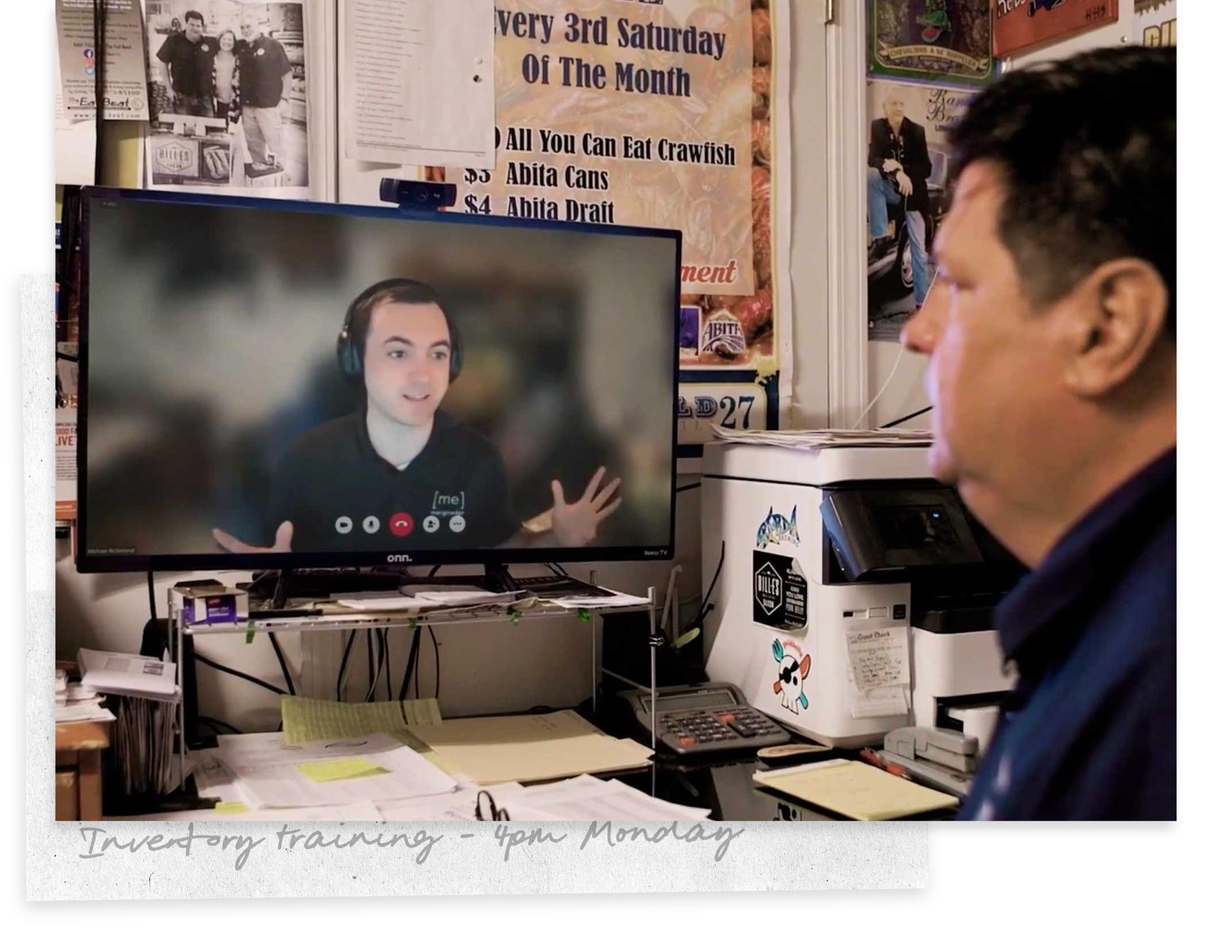
Want expert help getting this right?
If you’d rather have our team handle the setup, we’ve got you covered.
- QuickBooks Online Setup - Align Chart of Accounts and connect MarginEdge + QuickBooks Online correctly.
- Accounting Mappings - Done-for-you vendor, sales, expense and payment account mappings.
- Accounting Software Clean-Up - One-time clean-up to get messy books back on track and ready for clean exports.
Accounting FAQ
What do “Sync Statuses” mean on the Export screen?
Sync statuses show whether an invoice, sales journal or payment has been exported (or if something needs your attention before it can be).
- Ready — Ready to export.
- Pending — Sent, but not yet received (refresh often updates it to Sent).
- Sent — Successfully exported to your accounting system.
- Needs Attention — Something (vendor, account, category, payment account, or sales line) needs mapping or adjustment before export works.
- Error — Export failed. Click the error to see why. Unbalanced sales journals will show “total debits do not equal total credits.”
- Skipped — This item won’t be exported (by default these are hidden; you can show them via filter settings).
Note: Statuses apply to live/API integrations. Flat file exports won’t surface errors the same way.
What if my export fails?
Common errors typically relate to unmapped vendors, accounts, or closed periods. Review mappings and retry.
Ready for what's next?
Now that your books stay in sync automatically, explore other tools that help you tighten margins, automate work and save time. Back to phase 3 overview →

Stuck? We’ve got you 💙
For your first 90 days, email your Implementation Manager to guide you through setup and answer any questions.
After onboarding, our amazing Support team of restaurant vets is only a ticket away.