Skip to content
PHASE 1

A little setup goes a long way.

Connect your core systems to pull your sales, invoices and costs together. Once in place, your numbers start working for you, automatically.

Week 1, this unlocks πŸ”“

  • Real-time visibility into food costs and profitability
  • Reports you can trust because the data is connected
  • A smoother experience across the rest of MarginEdge
Build the foundation

Get Set Up

These are the essential setup tasks that make everything else in MarginEdge work.

1. Connect your POS

πŸ’‘ What

Learn how to connect your POS system so sales flow automatically each night. Written instructions for connecting Toast

πŸ€” Why

This is what powers daily food cost and profitability reporting.

πŸ—“οΈ When

Connect in your first week

Don't use Toast?

Find your POS' setup instructions. We integrate with over 40 systems.

2. Connect accounting

πŸ’‘ What

Learn how to connect MarginEdge with your accounting system so you can easily export data. Written QuickBooks Online instructions.

πŸ€” Why

This makes sure the numbers in MarginEdge always match accounting, automatically.

πŸ—“οΈ When

Connect in your first week

Don't use QuickBooks Online?

Find your accounting system's setup instructions. We integrate with the popular ones.

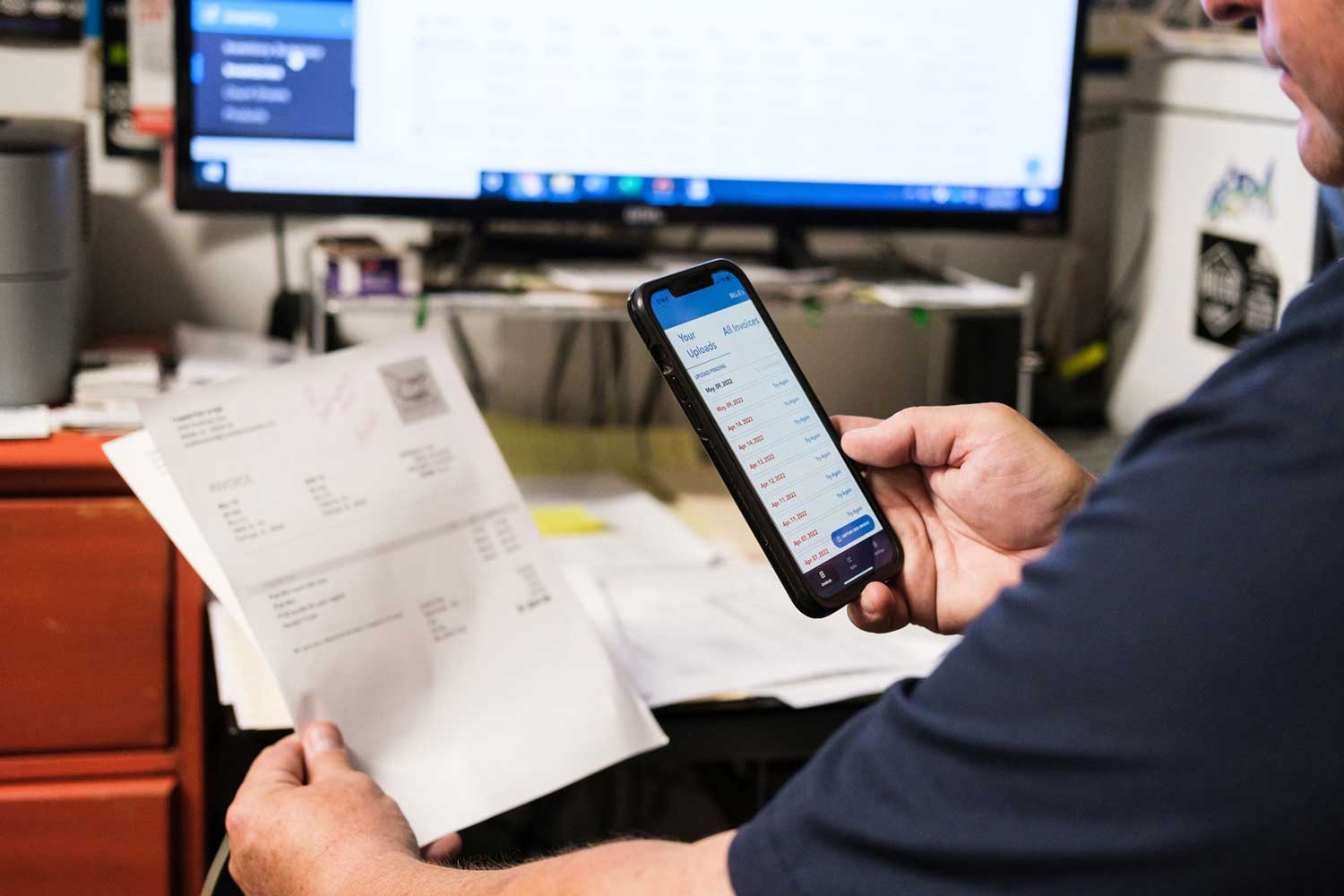
3. Send us your invoices

πŸ’‘ What

How to submit invoices so MarginEdge knows what you bought and what it’s doing to your bottom line. Learn more

πŸ€” Why

This is the key for real-time food costs.

πŸ—“οΈ When

Upload invoices as they come in to get real-time costs.

πŸ“˜ Additional Resources

⭐ Pro Tips

  • Start uploading your broadliner invoices (up to 7 days back) so we can build out your product database faster.
  • Download our mobile app (easiest way to upload!) for IOS or for Android
4. Invite your team

πŸ’‘ What

It takes a village to keep service running smoothly. How to invite your A-team to MarginEdge so everyone can do their part. Learn more

πŸ€” Why

MarginEdge is easier when you've got a team! Add anyone who will review reports, upload invoices, taken inventory, etc. 

πŸ—“οΈ When

Start this week with anyone who can help with setup tasks

πŸ“˜ Additional Resources

Review our guide to the different user permissions

5. Prep for Bill Pay

πŸ’‘ What

How to add your bank account (and other payment methods if applicable). Learn more

πŸ€” Why

Paying bills in MarginEdge keeps your expense reporting accurate from day one.

πŸ—“οΈ When

Your first week

6. Custom Configurations

πŸ’‘ What

Make MarginEdge fit your team. Now that you're set up, you can take a second to fine-tune your notification settings for you and your team. 


πŸ—“οΈ When

Anytime

Hand drawn Check Mark (4) PHASE 1

Ready for what's next?

With your data flowing, we can move on to spotting cost changes, trends and opportunities in real time. Onto phase 2 β†’