Skip to content
UNLOCK MORE VALUE

Control cash flow. Protect food cost.

MarginEdge centralizes, bill approvals, payments and statement reconciliation, so you can control cash flow, avoid costly mistakes and trust that your food cost reporting is accurate.

With Bill Pay, you unlock 🔓

  • Digital payments with full cash flow control
  • Add your credit card to get more float
  • Vendor statement reconciliation to keep costs and records accurate
BillPay-methods-new

Get started with Bill Pay

Get payments flowing so your numbers stay accurate.

1. Add Your Bank Account

💡 What

Connect your business bank account (and optionally a credit card) so you can send digital payments through MarginEdge. Learn more

🤔 Why

This lets you pay vendors directly without logging into (or paying for!) another system.

2. Prep vendors for payment

💡 What

Pick the vendors you want to pay through MarginEdge, add their remittance info and set payment terms. Learn more

🤔 Why

Once activated, invoices will automatically appear as due and ready for payment.

⭐ Pro Tip

Enroll vendors in electronic payments to speed delivery (usually 2–3 business days).
3. Pay your first bill

[need a good video for how to pay a bill]

💡 What

Learn the different ways you can pay and schedule bills in MarginEdge, so you can choose what works best for your cash flow. Learn more

🤔 Why

You stay in control of timing, cash flow and approvals. 

📘 Additional resources

4. Turn on reconciliation

[need a good video walking through setup. Can link to other videos below]

💡 What

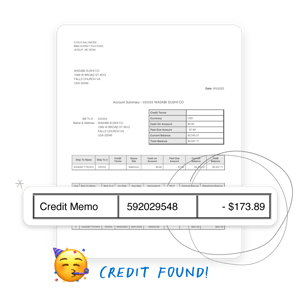
Check your vendor’s statements against what's in MarginEdge to catch missing credits, duplicate charges or mismatches before you pay. Learn more

🤔 Why

This step protects your food cost and expense reporting and make sure credits aren't missed or invoices are accounted for. 

📘 Additional resources

Bill Pay FAQ

When will my vendor receive payment?

It depends on how you pay them:

  • 2–3 business days for virtual credit cards
  • 4–6 business days for ACH transfers
  • Paper checks depend on mail delivery times.

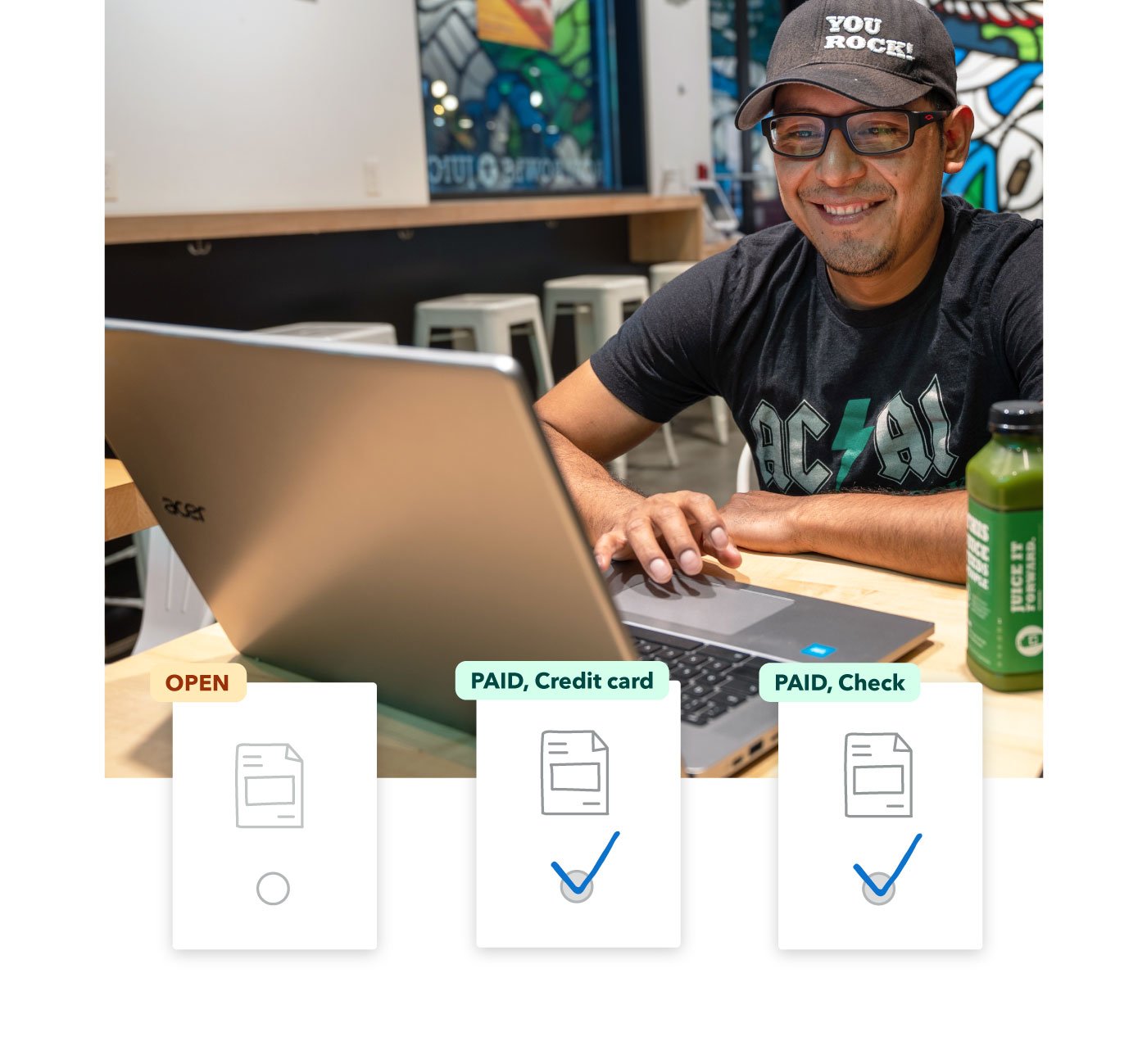
You’ll see the payment status directly in MarginEdge, so you’re never guessing whether something was sent.

Learn more about payment times.

Can I pay a bill from my phone?

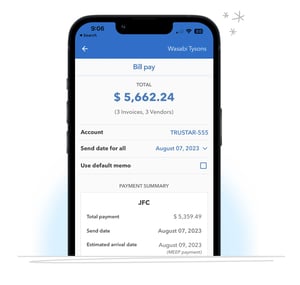
Yes. You can review, approve and schedule payments using the MarginEdge mobile app. The same control as the web, but on the go.

This is handy when you’re out of the back office or dealing with vendor questions in real time.

Learn more about mobile bill payments.

Can I make a partial payment?

Absolutely. You stay in control and choose to pay invoices in full or split them into partial payments as needed.

Note: This feature may not allow for accurate payment exports with all accounting systems. At this time, it is supported for Quickbooks, Intacct, Netsuite and Xero.

See how to make a partial payment.

Why are my due dates wrong?

MarginEdge uses the payment terms set for each vendor to calculate invoices due dates.

If payment terms for a vendor aren’t set, the we default to the invoice date as the due date instead.


Learn how to adjust due dates

Can I cancel a scheduled payment?

Yes, as long as it hasn’t started processing yet.

Before the processing cutoff, you can cancel directly in MarginEdge. Once processing begins (especially for electronic payments), it may no longer be reversible.

If you’re unsure, contact Support right away and we’ll help you figure out next steps.

Learn how to cancel a scheduled payment.

Hand drawn Check Mark (4) BILL PAY

Ready for what's next?

Now that payments and reconciliation are under control, explore another feature that helps you tighten margins and reduce manual work. Back to phase 3 overview →