Skip to content
UNLOCK MORE VALUE

Recipes are at the heart of your business.

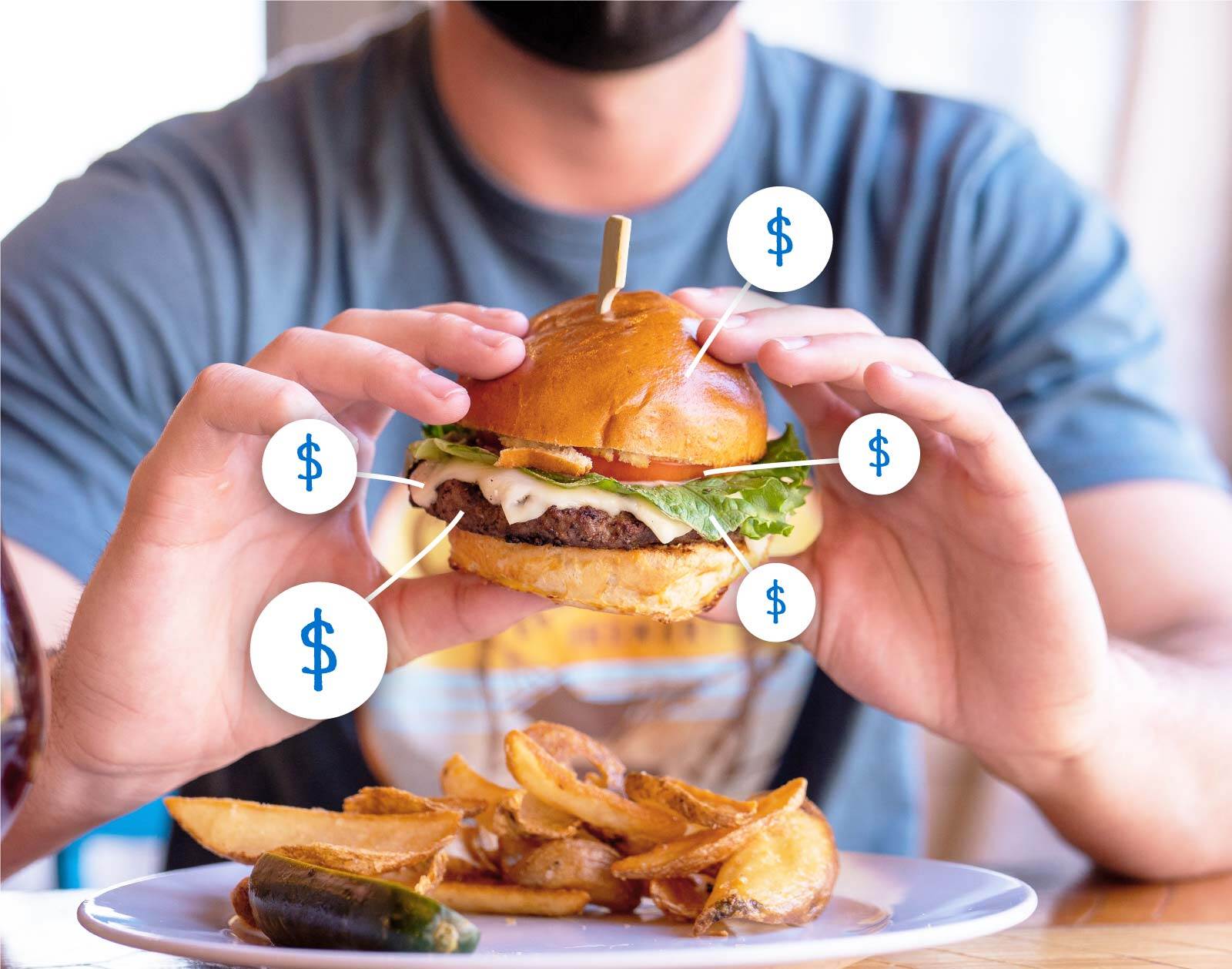
As ingredient prices change, MarginEdge updates your recipe costs automatically so you can catch creeping costs early and keep every plate consistent, shift after shift.

With recipes, you unlock 🔓

  • Up-to-date plate and pour costs that reflect real prices
  • Consistency across cooks, shifts and locations
  • The foundation for menu analysis and deeper cost insights
recipes

Get started with recipes

Focus on your highest-impact recipes first, then build from there.

1. Understand recipe types

💡 What

Learn the different recipe types in MarginEdge and when to use each so costs, yields and reporting behave exactly how you expect. Learn more

🤔 Why

Choosing the right type upfront saves time later and prevents cost and reporting issues down the line.

2. Build your recipes

💡 What

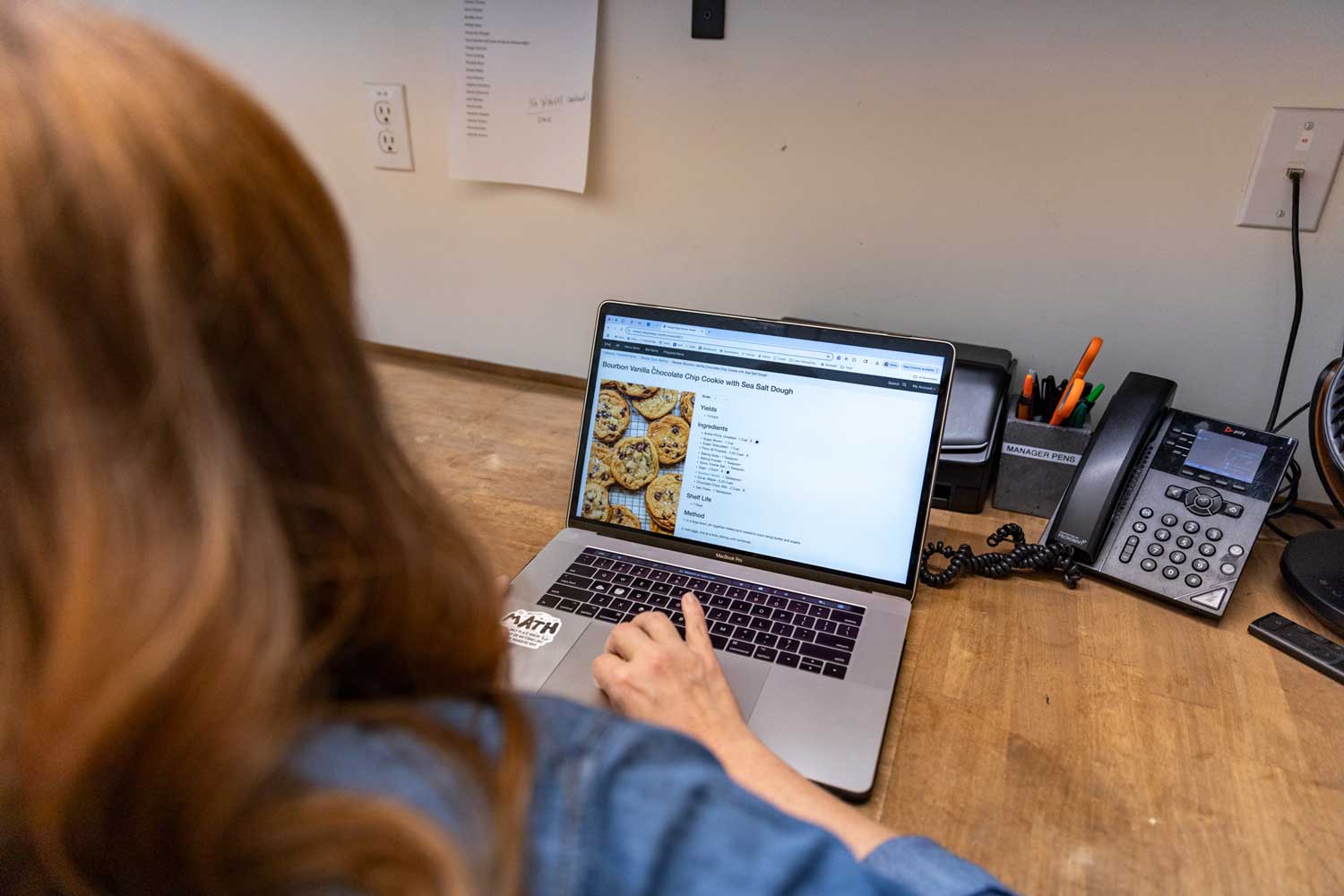
Learn how to build recipes in MarginEdge. We recommend starting with your top ~30 items to get cost clarity where it counts. Learn more

[me] got this

  • Ingredient prices update automatically as invoices are processed.
  • Recipes aren’t tied to vendors. Change suppliers without rework
  • Create a conversion once, it's available everywhere that product is used.
3. Monitor prices with alerts

💡 What

Set up alerts on any recipe to notify you when costs drift above or below your ideal threshold. Learn more

🤔 Why

Alerts help you catch creeping costs early, without digging through reports.

🗓️ When

Once set, alerts run in the background and notify you automatically if anything changes.

4. Use in the Kitchen

💡 What

Set up a shared device with a PIN login so your team can view recipes line-side without access to financials. Learn more

🤔 Why

Digital recipes help you train staff faster, scale prep easily and keep execution consistent, no matter who’s on shift.

🔍 No shared device?

No problem! Any user can view recipes in the MarginEdge app. Download for IOS or android.

Recipe setup service
RECIPE SETUP SERVICE

Short on time? We've got you!

Get the value of recipes without the manual lift. Our team of experts can build them accurately and efficiently for you.

Price: $5 per recipe

Recipe FAQ

When do I need to make conversions?

You need a conversion anytime you buy an item in one unit (like pounds, cases, bottles) but use it in another (like cups, each, tablespoons).

Once you add the conversion, it will be available anywhere that product shows appears, saving from mental math later.

Learn more about recipe conversions.

How do I account for yields?

When trimming or cooking changes the usable amount of an ingredient, you can account for yield in two ways:

  1. Apply a yield % on the ingredient inside a recipe, or
  2. Create a prep recipe (like “chopped onions”) that bakes the yield in once, then reuse it everywhere.

Learn more about yields

Can I count recipes during inventory?

Yes! Mark any recipe as “should be inventoried,” so you can add it to a count sheet.

Once it’s counted, MarginEdge breaks it into ingredients for usage reporting, so your inventory reflects what’s actually used.

Learn more on counting recipes

Can I flag allergens in recipes?

Sure can. Add allergens to products, and MarginEdge will automatically roll them up to any recipes that include those products.

You can also view allergens across recipes (including via exports / matrix-style views).

Learn more on allergens

Can I print my recipes?

Absolutely. We know some teams prefer paper. You can print an individual recipe two ways:

  • Recipe Cards - will print horizontal with no prices
  • Print - will print vertical and include ingredient + recipe costs
  • You can also bulk print multiple recipes at once

Learn more on printing and copying recipes

Hand drawn Check Mark (4) RECIPES

Ready for what's next?

Now that you’ve protected your plate costs, explore other tools that help you tighten margins, automate work and save time. Back to phase 3 overview →