

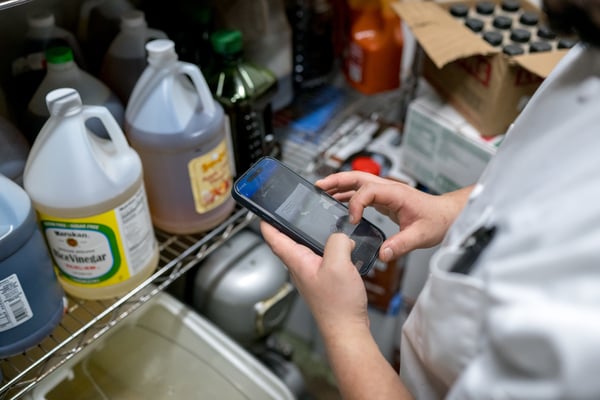
.png?width=600&name=Prep-phone%20(1).png)
STEP 1
Download our app
⌛ 1 minutes
In this step you'll:
- Visit the Apple or Google Play store on your smart phone
- Download and install the app
- If you already have the app, make sure you have the latest update

.jpg)
STEP 2
Scan your open bottles
⌛ 30 minutes
Use the mobile barcode scanner in the app to add open bottles to your count sheet. On the home page, tap “Set up Freepour products”
-
Scan all your bottles
-
Edit or add bottle details
-
Save your progress.
Prepping for your first inventory? See full step-by-step instructions here.
.png?width=600&name=Image%20Compression%20%F0%9F%8E%A1%20(24).png)
STEP 3
Unbox your scale & complete setup
⌛ 5 minutes
Your scale should be delivered within 1-2 weeks. Once it arrives, you’ll do the following to complete setup:
- Connect the scale to WiFi
- Do a quick data sync
Meet Your Scale (article) →
STEP 3
Unbox your scale & complete setup
⌛ 5 minutes
Your scale should be delivered within 1-2 weeks. Once it arrives, you’ll do the following to complete setup:
- Connect the scale to WiFi
- Do a quick data sync
Meet Your Scale (article) →