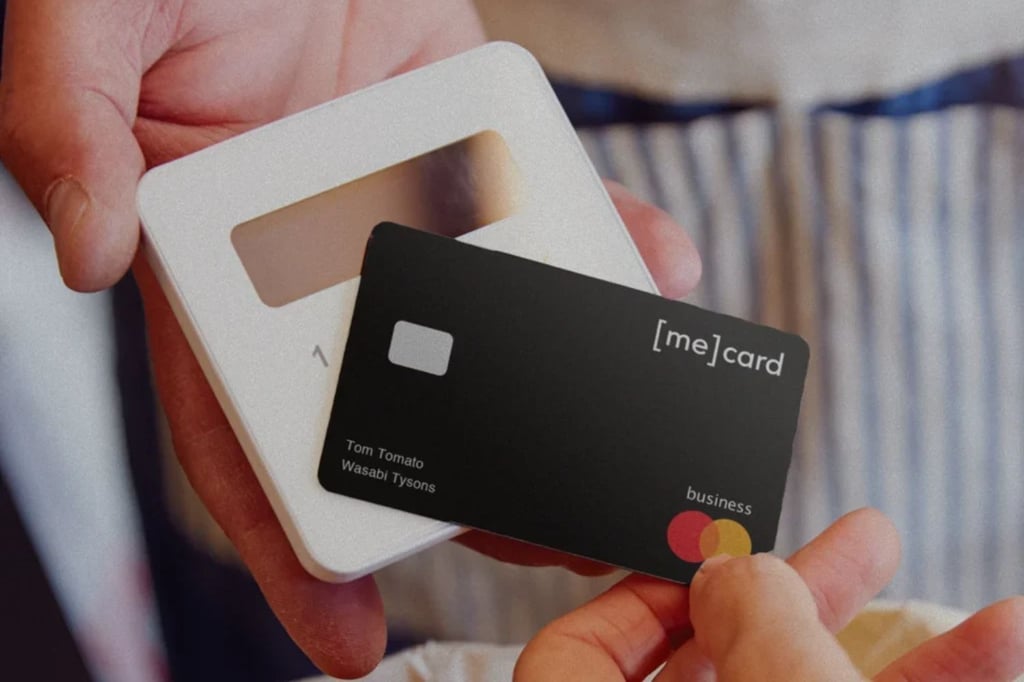
 MarginEdge Card for restaurant spending
MARGINEDGE CARD
The spend card built for restaurants
Give your team a card for everyday purchases. Every swipe is coded, matched to a receipt and synced to MarginEdge, so you see spend in real time without chasing anyone down.
Available to U.S. customers only.

How it works:

Get approved
Share a few business details. No credit check.
Add your team
Issue cards, set daily, weekly or monthly spend limits and assign them across locations.
Start swiping
Purchases sync instantly and are repaid each week automatically. No APR, interest or extra bills.
Spend control without the babysitting
Your team buys what they need. You see it, coded and receipted, the moment it happens.
-
Receipts
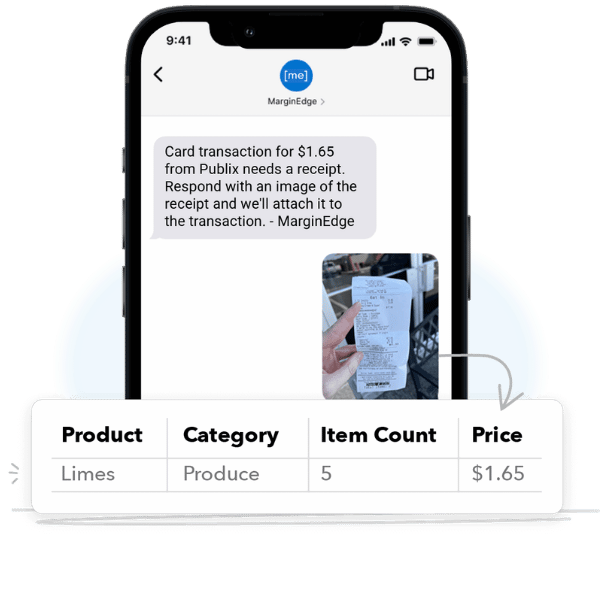
No more chasing receipts
Every swipe prompts the cardholder to snap a receipt. It's matched to the purchase and uploaded to MarginEdge automatically.
- Receipt prompt on every swipe
- Auto-matched to the purchase
- Stored in MarginEdge, not an apron pocket
-
Coding
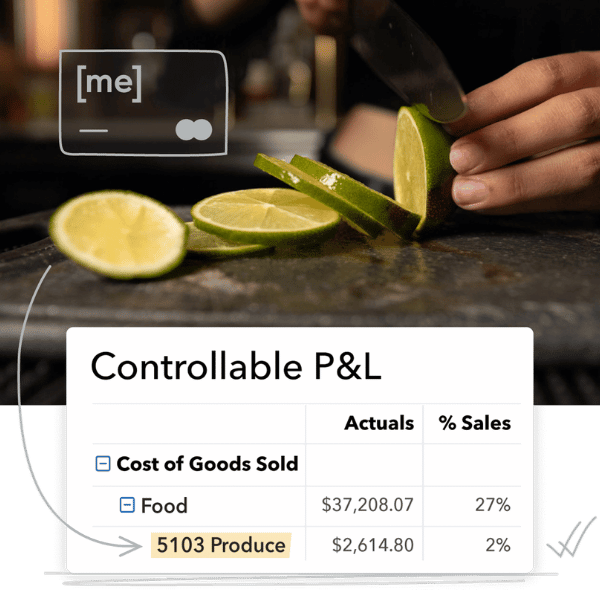
Every swipe, coded and categorized
Transactions land in your expense categories automatically, so your books stay clean without the busywork.
- Auto-coded to your expense categories
- No manual entry
- No month-end scramble
-
Control
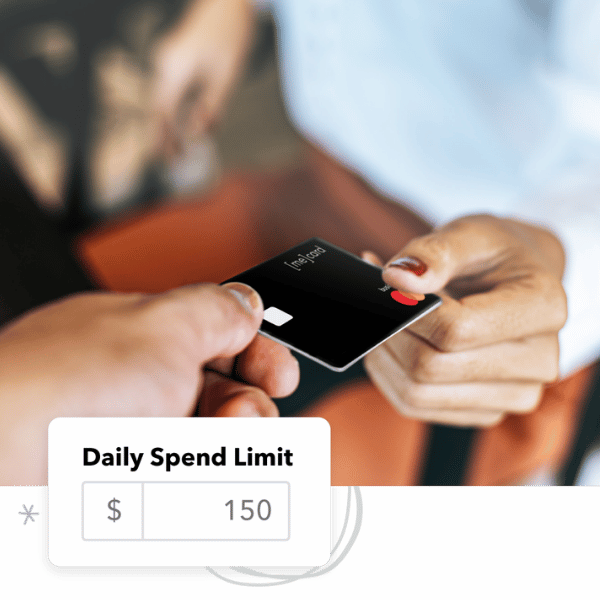
Limits you set, per card
Every card gets a daily spend limit. Pause cards, adjust limits or cancel anytime from the Card Dashboard.
- Daily limit on every card
- Pause or cancel anytime
- Issue as many cards as you need
-
Visibility

See spend as it happens
Spot spending patterns and out-of-policy purchases across every location in real time.
- Transactions appear instantly
- Flag out-of-policy purchases
- One view across all locations
-
Accounting

Built for your accountant
Admins and accountants get full dashboard access, and card activity exports to your accounting system.
- Full dashboard for admins and accountants
- Export to your accounting system
- Cardholders see only their own spend
-
Cost
No fees, no interest
Free to issue and use as part of your MarginEdge subscription. The balance is paid weekly via ACH.
- No fees to issue or use
- No APR or interest
- 7-day cycle, paid automatically
No more chasing receipts
Every swipe prompts the cardholder to snap a receipt. It's matched to the purchase and uploaded to MarginEdge automatically.
- Receipt prompt on every swipe
- Auto-matched to the purchase
- Stored in MarginEdge, not an apron pocket
Every swipe, coded and categorized
Transactions land in your expense categories automatically, so your books stay clean without the busywork.
- Auto-coded to your expense categories
- No manual entry
- No month-end scramble
Limits you set, per card
Every card gets a daily spend limit. Pause cards, adjust limits or cancel anytime from the Card Dashboard.
- Daily limit on every card
- Pause or cancel anytime
- Issue as many cards as you need
See spend as it happens
Spot spending patterns and out-of-policy purchases across every location in real time.
- Transactions appear instantly
- Flag out-of-policy purchases
- One view across all locations
Built for your accountant
Admins and accountants get full dashboard access, and card activity exports to your accounting system.
- Full dashboard for admins and accountants
- Export to your accounting system
- Cardholders see only their own spend
No fees, no interest
Free to issue and use as part of your MarginEdge subscription. The balance is paid weekly via ACH.
- No fees to issue or use
- No APR or interest
- 7-day cycle, paid automatically
See what others are saying
Don’t just take our word for it. Our marketing department will say anything to make us look good.
The card has made my petty cash reconciliation extremely simple. I now have one spot that I can go to and see all of my spending.
Rusty S.
General Manager, Delta Blues BBQ TN & VA

The biggest impact has been that our managers have a feeling of being empowered to make company purchases as necessary—and they're more willing to since they no longer are waiting on reimbursements.
David M.
Director of Strategic Operations, Springbone Kitchen
Multiple locations

We had a lot of purchases made on personal credit cards, so tracking receipts and making sure costs were logged in the correct categories was very challenging. Now, having receipts automatically stored in MarginEdge is incredibly helpful!
Rachel S.
Owner, Mamaleh's, Boston, MA